About Carter’s
Carter’s is one of the most popular stores for moms with little kids. Let's start with the main thing: Carter’s is not just one store, but a whole group of three brands. By registering on any of the websites, you automatically get access to all three, and the shopping cart will be shared.
Carter’s — clothing for babies and toddlers.
Oshkosh — stylish and comfortable clothing for older kids.
Skip*Hop — goods and accessories for children and their parents: from backpacks to kids' tableware.
Carter's offers quality and affordable clothing for children up to 14 years old. The catalog is conveniently divided into three categories:
– for infants and children up to 2 years old
– for preschoolers
– for younger schoolchildren
There is no strict age grading – the choice of clothing is based on the child's height according to the size chart used on the website.
In this article, we'll tell you how to place an order from this store yourself with delivery to your virtual address through our service. The most cost-effective way is to order items to a virtual address and forward them as part of a consolidated package.
Registering on the website
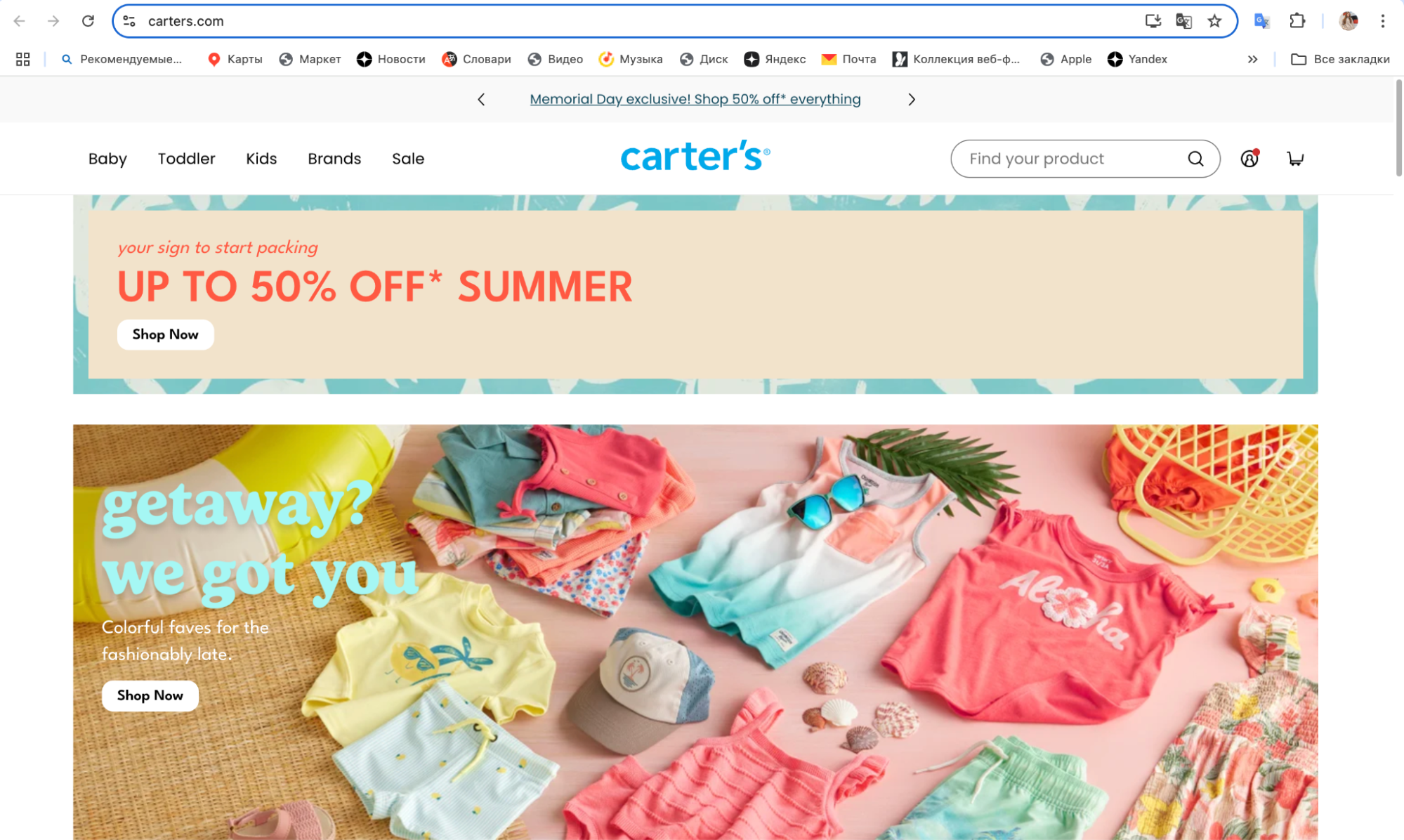
Go to the main page of carters.com with an American VPN, select the personal account icon and click on it
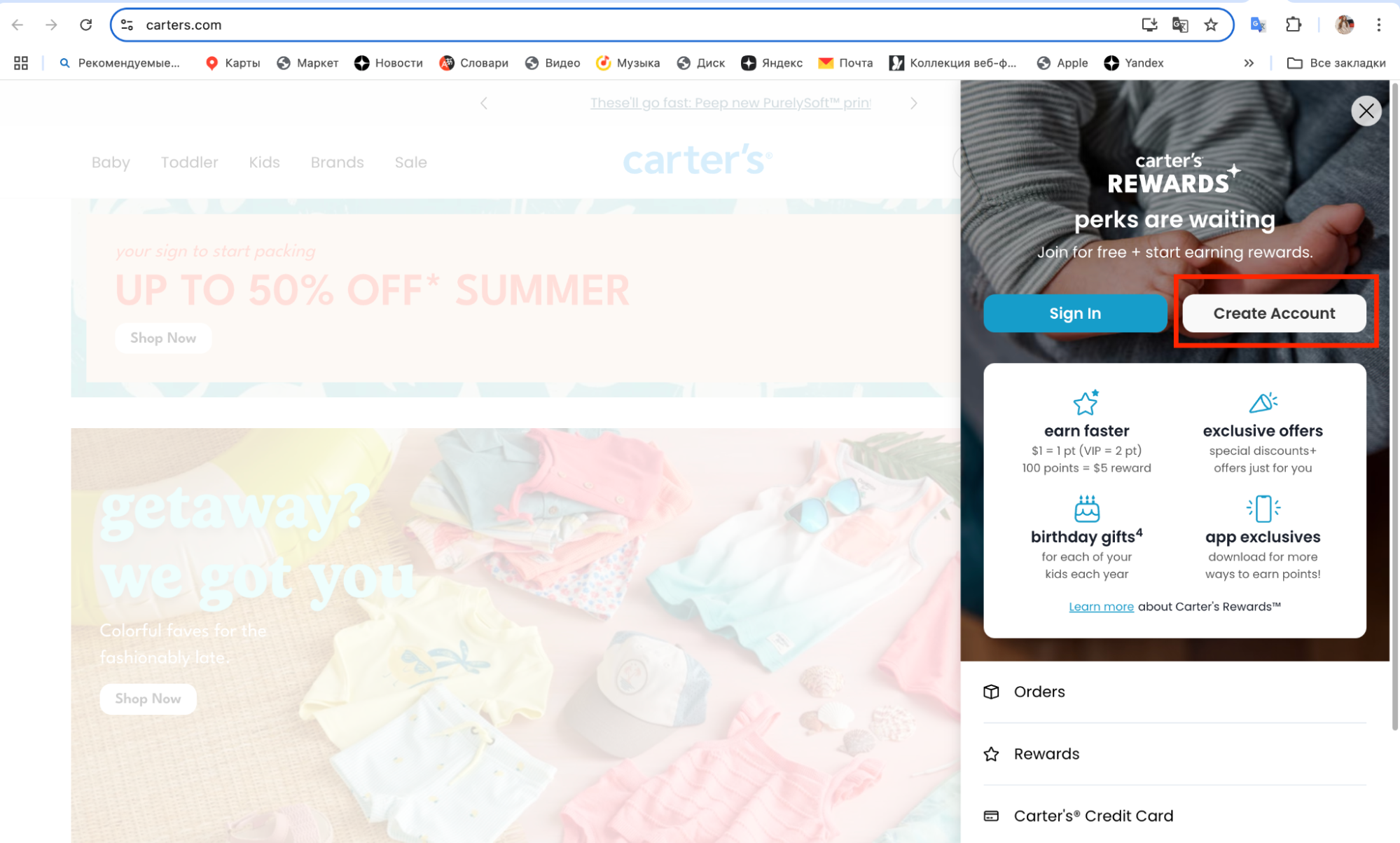
Next, select “Create Account”
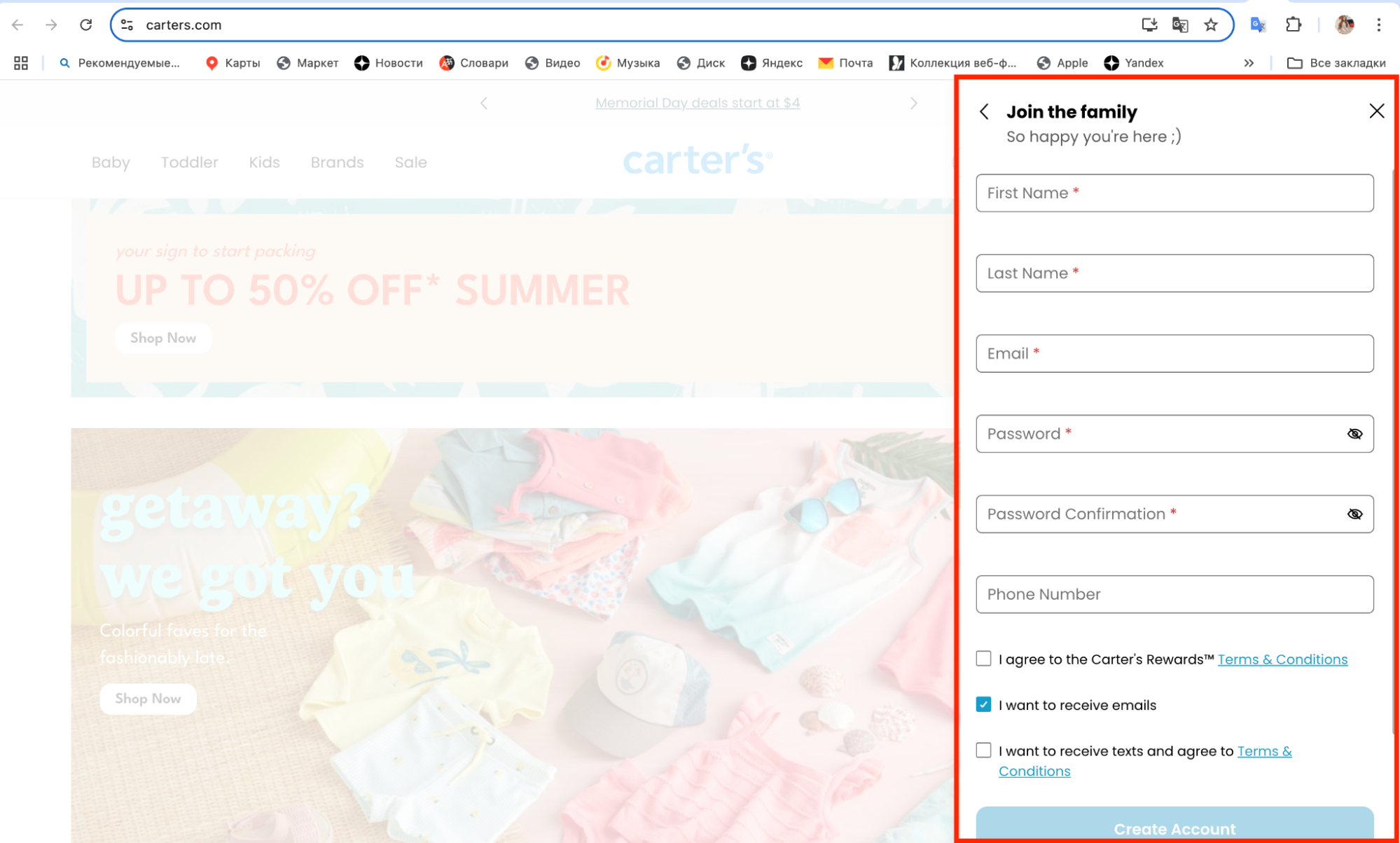
Next, fill in the details – first name, last name, email, create a password, repeat it, enter your phone number (enter the number specified in your Prostobox.com personal account)
After registration, Carters will offer you to fill out a short form with your details and your child's details (if you are a parent). You can provide this information or skip it.
Selecting items
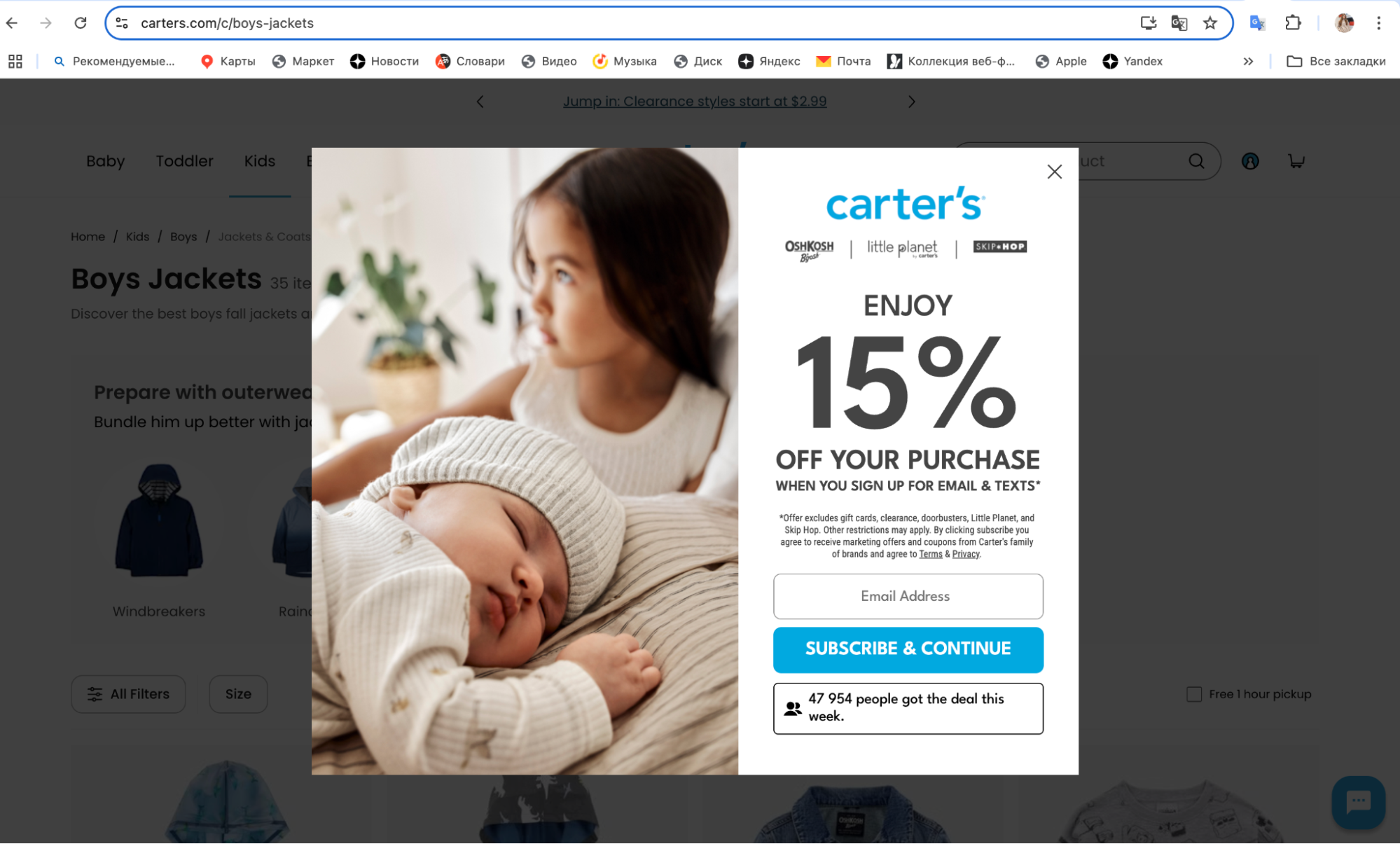
Before selecting items, we recommend subscribing to promo codes and discounts in the active pop-ups.
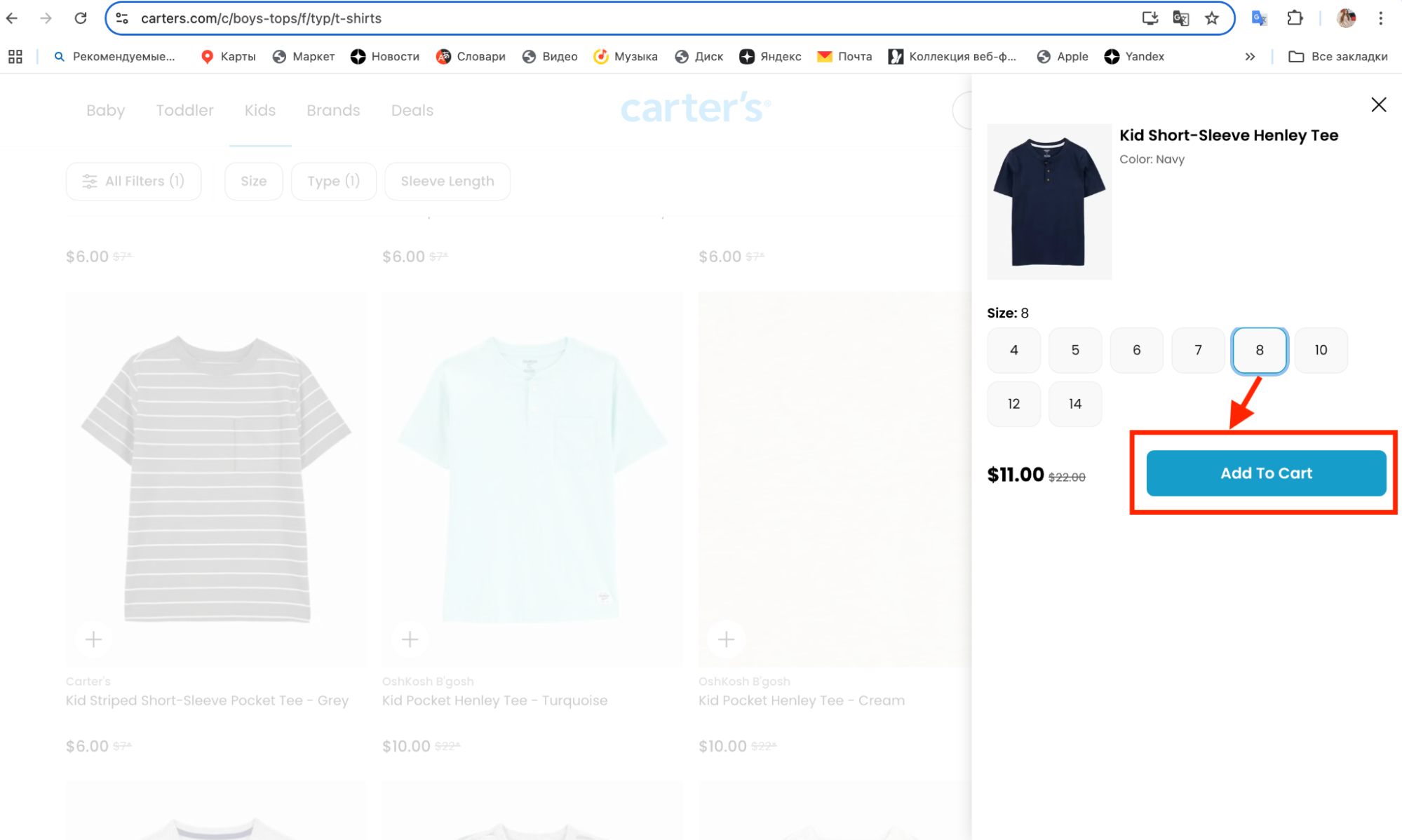
Now we need to choose exactly what we want to buy and add these items to the cart. On the product page, select the size, color and click the «Add to cart» button. In the same way, add all the necessary items to the cart.
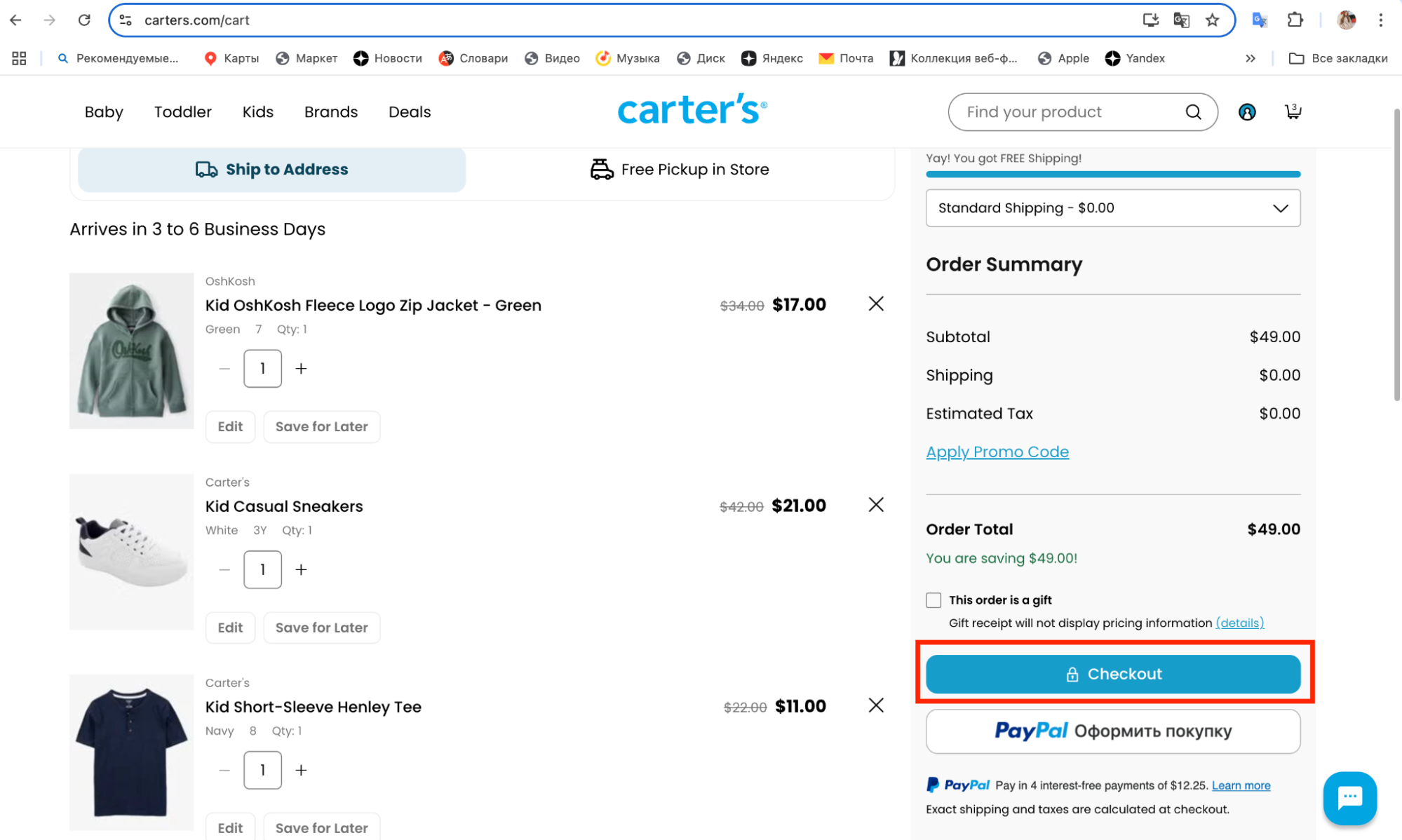
Next, go to the cart and check the prices and sizes of the selected items, then click “Checkout”
Paying for the order
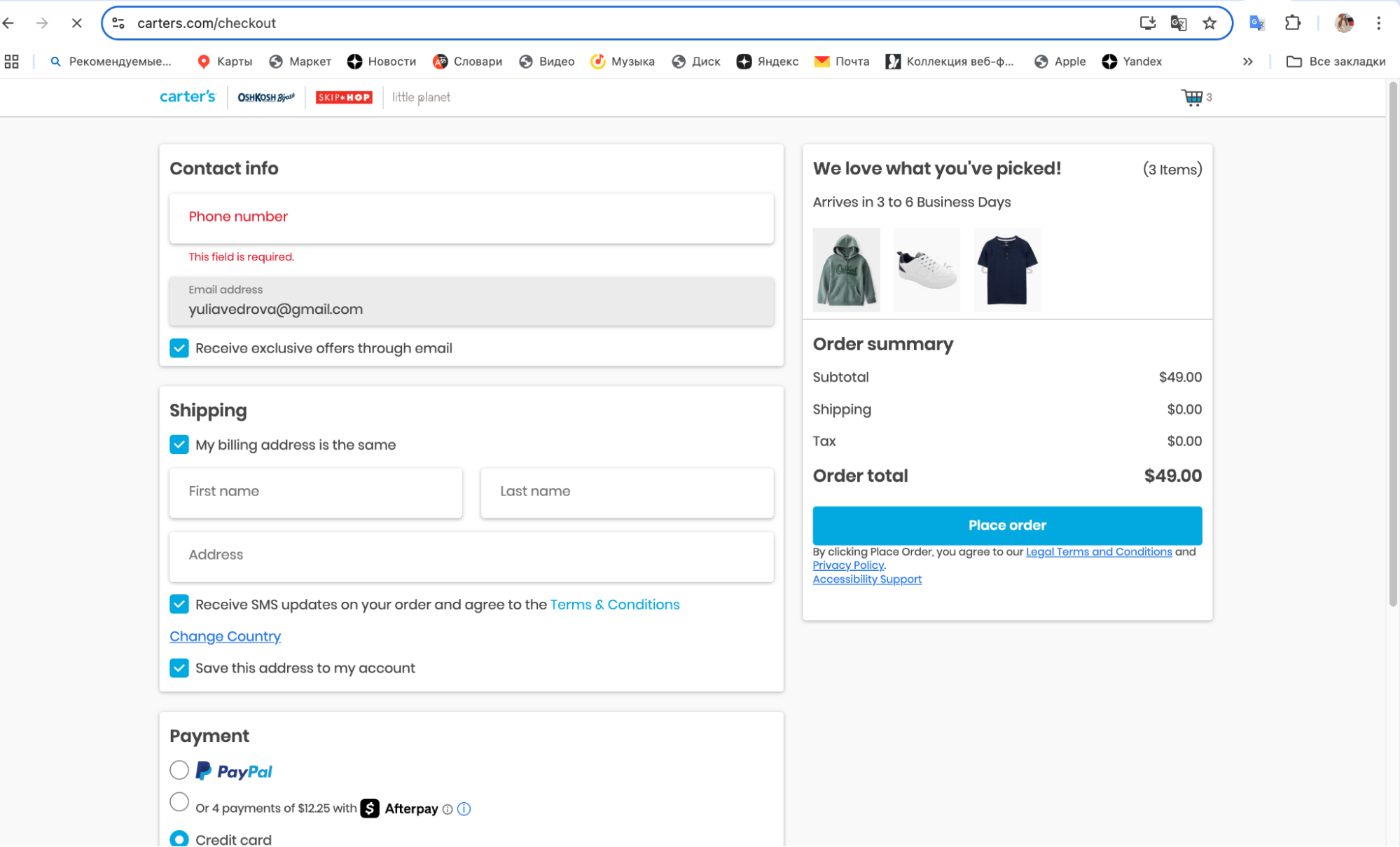
After you have checked the contents of the cart, go to the payment page, where you need to fill in your personal information again: contact details, email (if it was not pulled in from registration), shipping address.
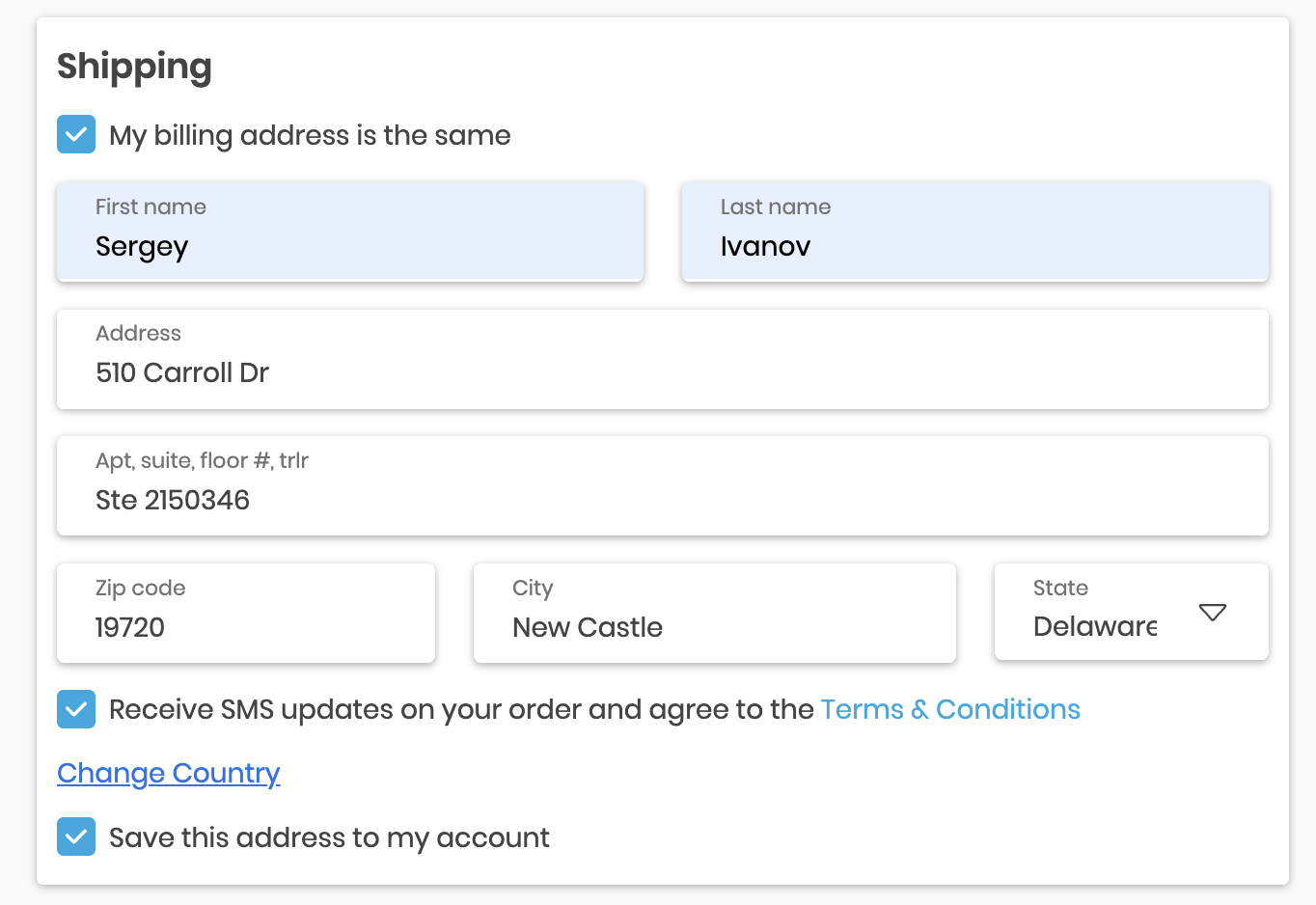
When filling in the Shipping address, enter the data from your personal account, namely the address of our warehouse and the zip code.
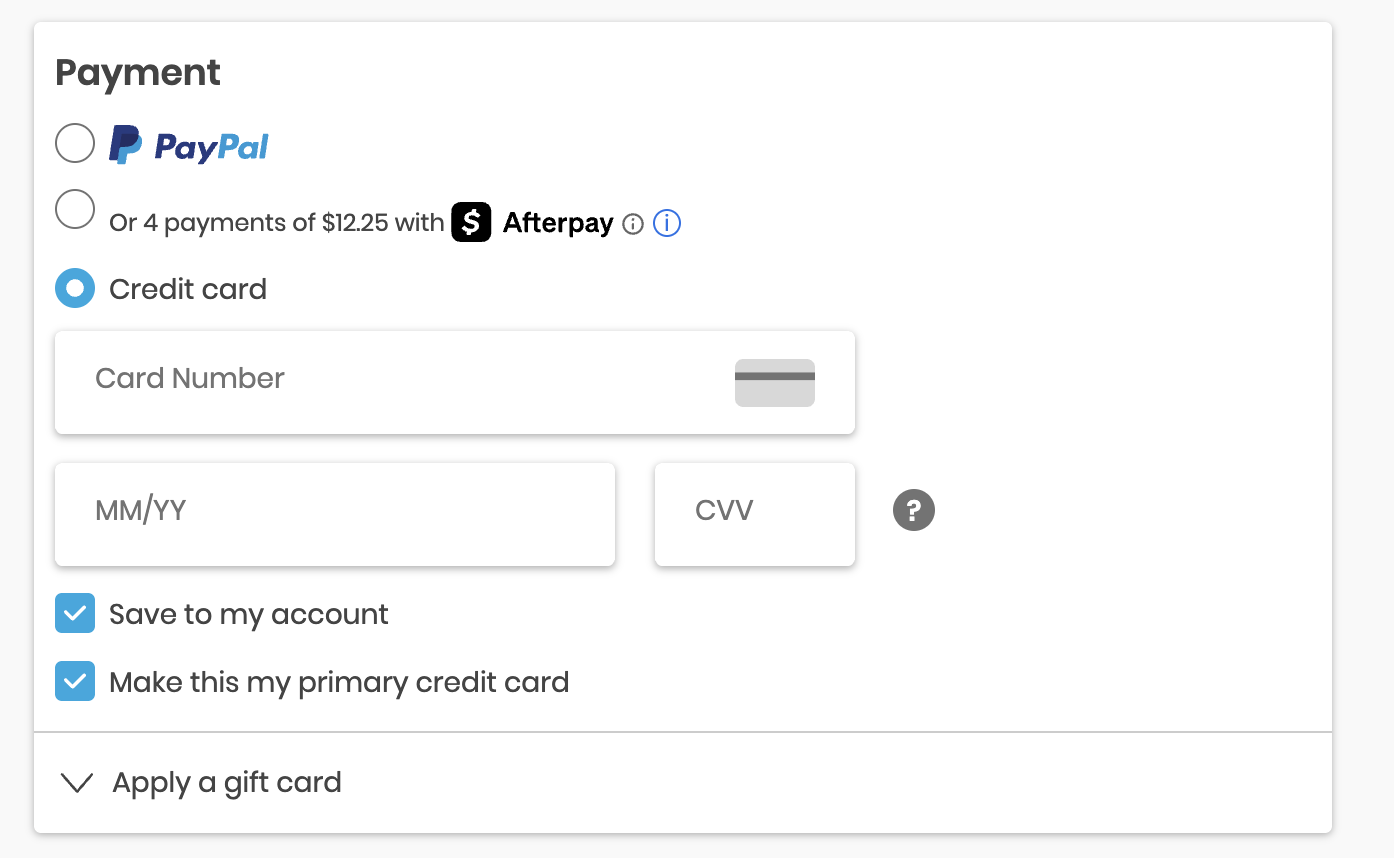
Select Credit card as the payment method, enter your card number, expiration date and the CVV code on the back of the card.
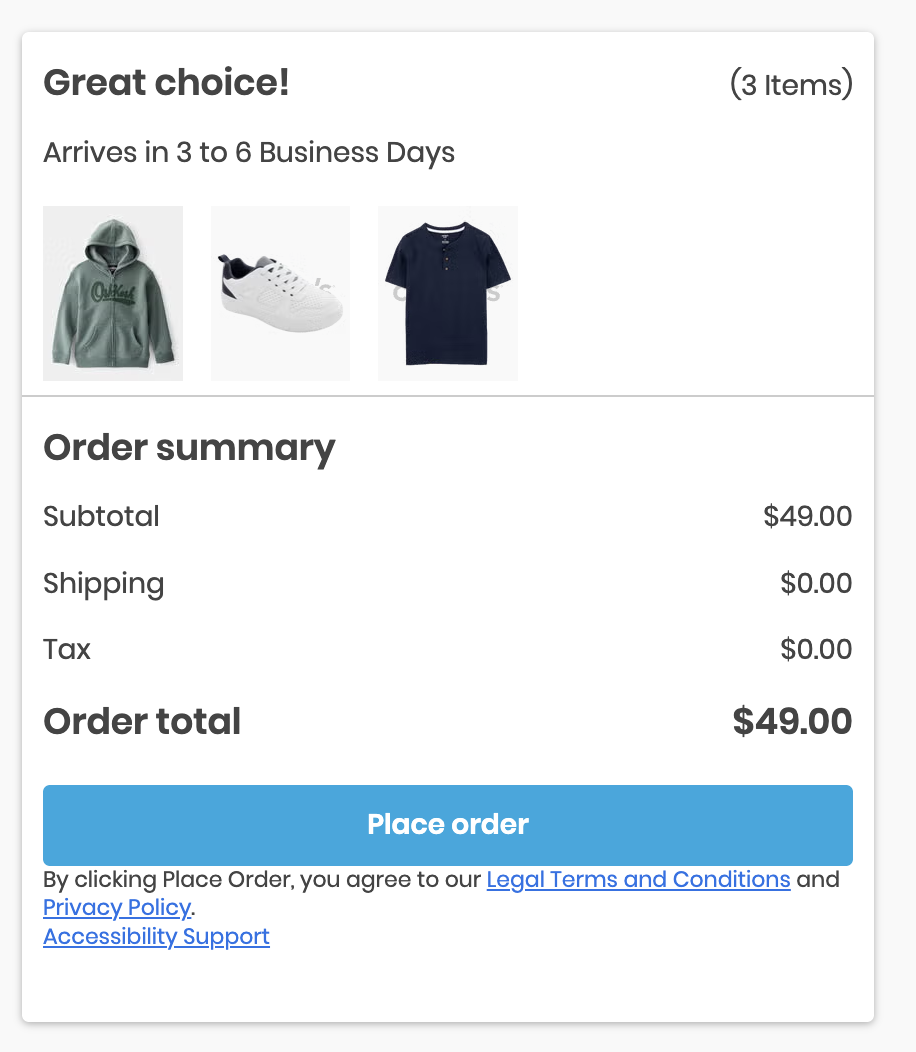
Here on this same page you can check the delivery times to our warehouse in Delaware (in the screenshot you can see the time of 3-6 days). Check the data once again and click "Place order"
Congratulations! The order is placed! Now you should receive an order confirmation to your email, and in a few days a notification of its shipment to our address.